

- Login to your Account
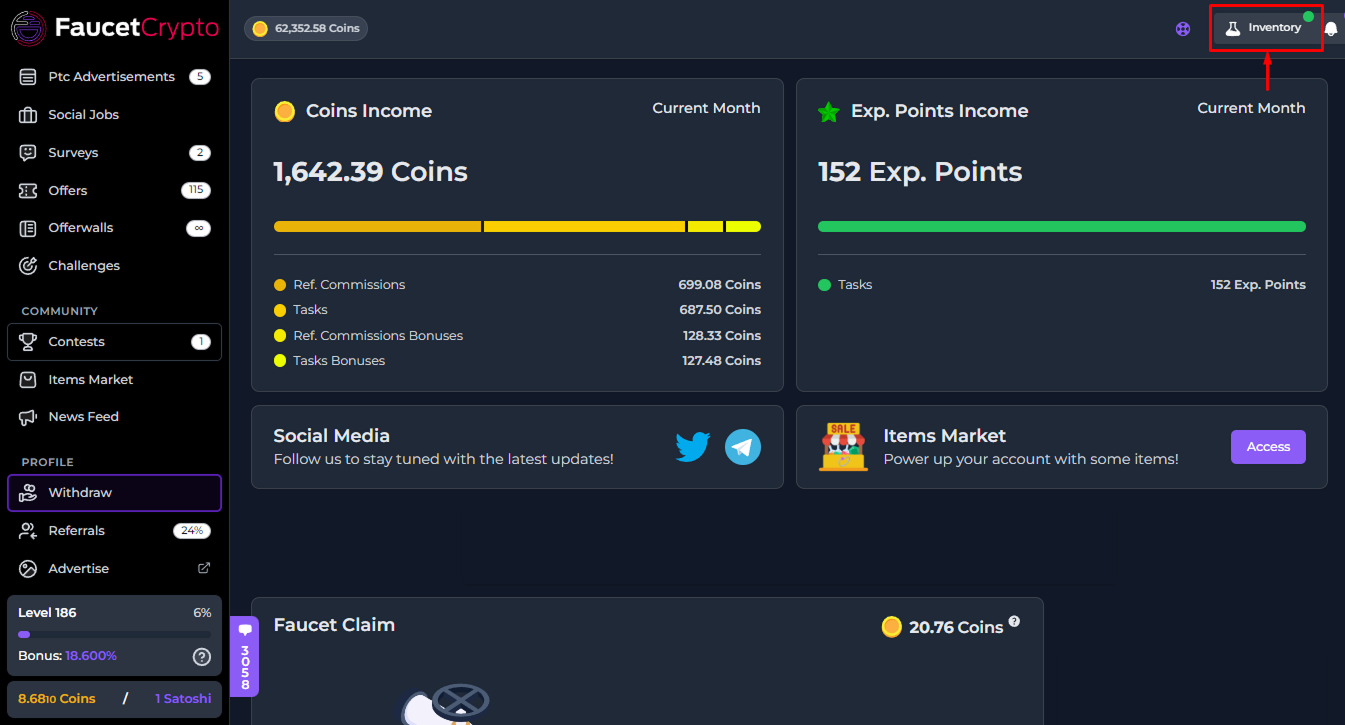
- Click on “Inventory” at the top right corner of the top navigation bar
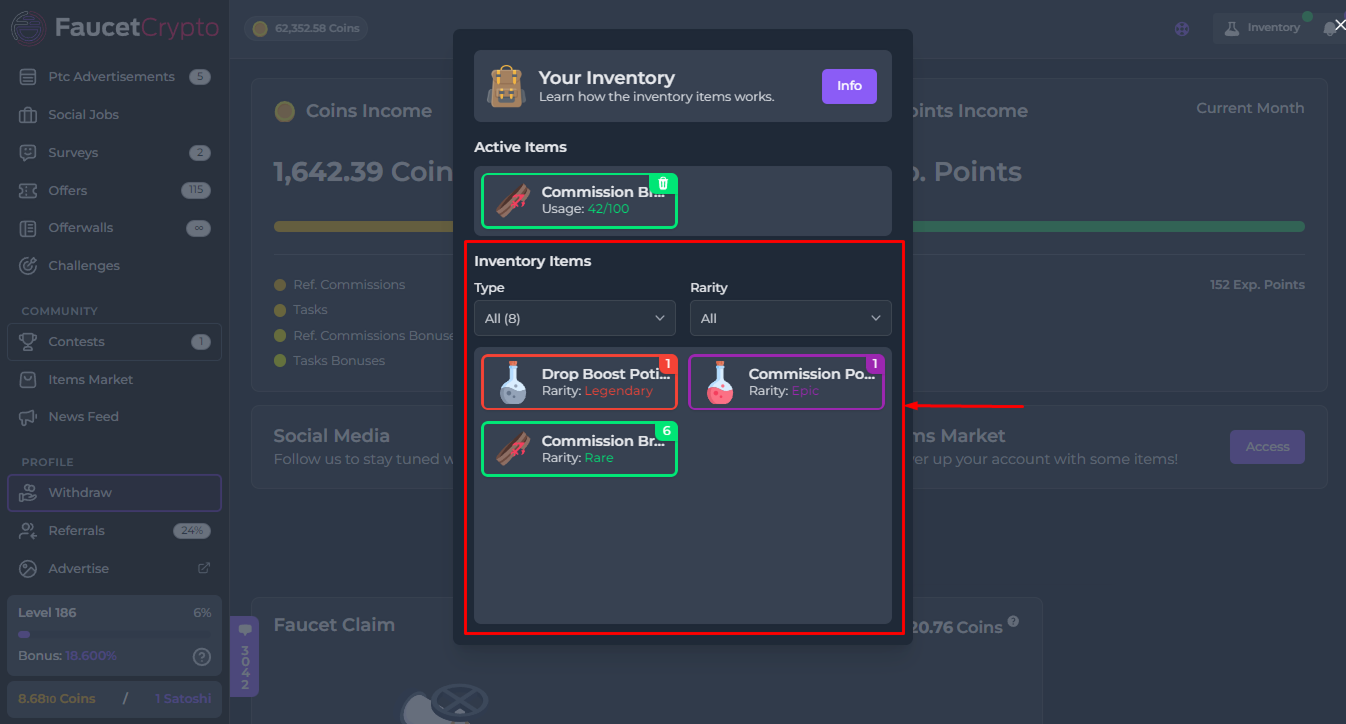
- All your Items will be displayed in a window/modal like the one shown in the image below (you can also filter them by Type & Rarity)
- To activate/use an Item, simply click on it in your Inventory, and then click the “Consume” button.
Tip: Click on an Item in your Inventory to read it’s description in other to know what it can be used for and/or activate it