

- Login to your Account
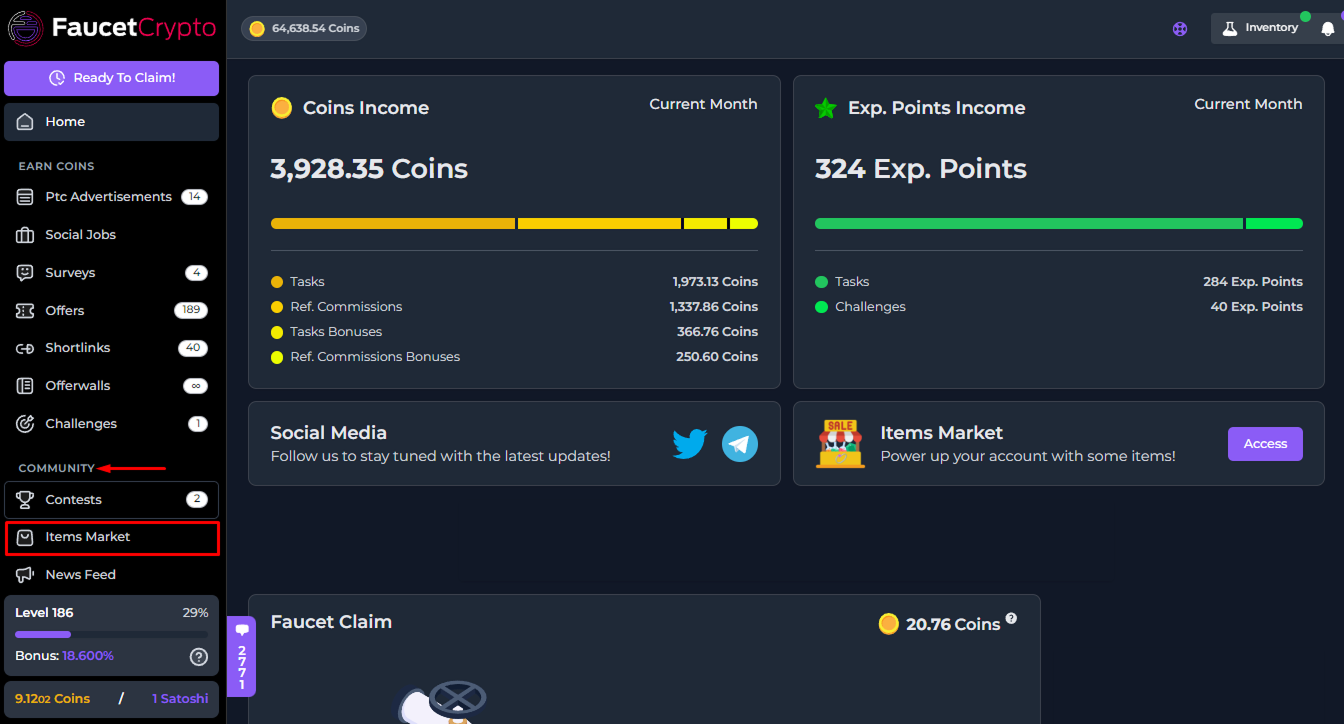
- Scroll down the left-side menu to the COMMUNITY section, and click on the Items Market option/page under it
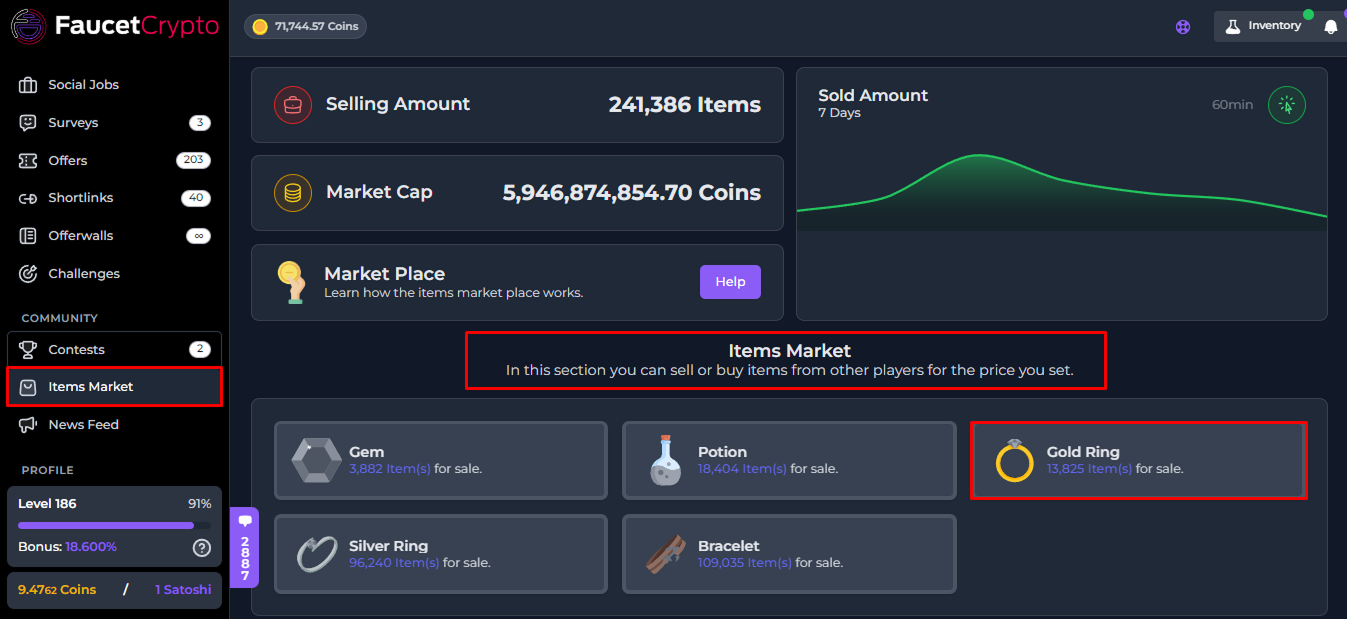
- As the page opens, scroll down to find the “Items Market” box and click on the type of item you want to buy. In this guide, we’ll be buying a Commission Gold Ring, and thus we’ll click on “Gold Ring”
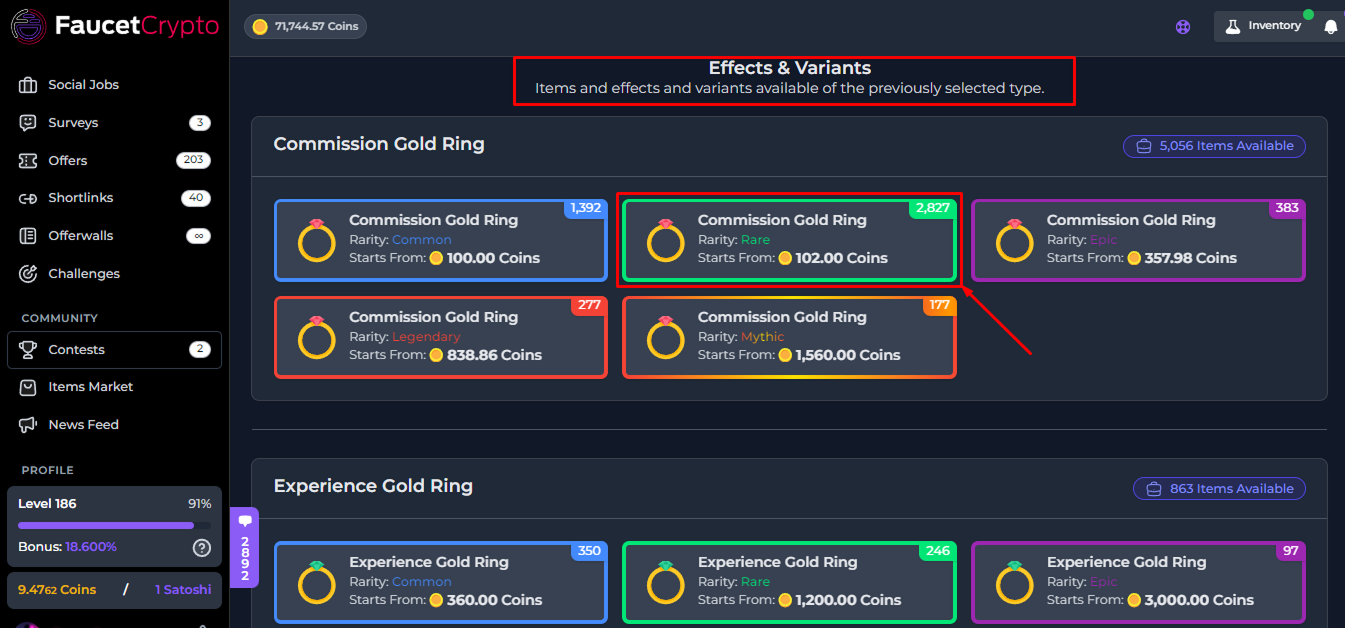
- Once the Gold Ring Market category page opens, scroll down to find the Commission Gold Ring box in the list of various Gold Ring Item types; then click on the rarity of Commission Gold Ring you want to buy (in this guide, we’ll be buying a Rare Commission Gold Ring)
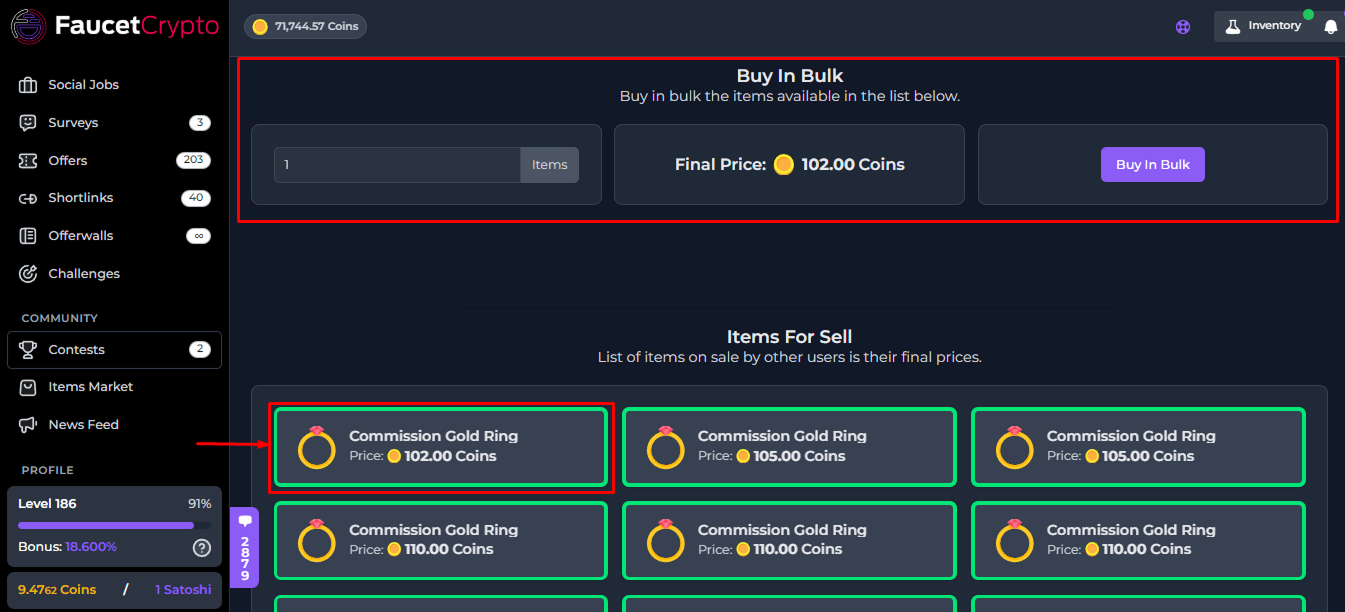
- Once you’ve selected the rarity type, you can buy in Bulk by inputting the number of items you want to buy at once, or scroll down and select a single order
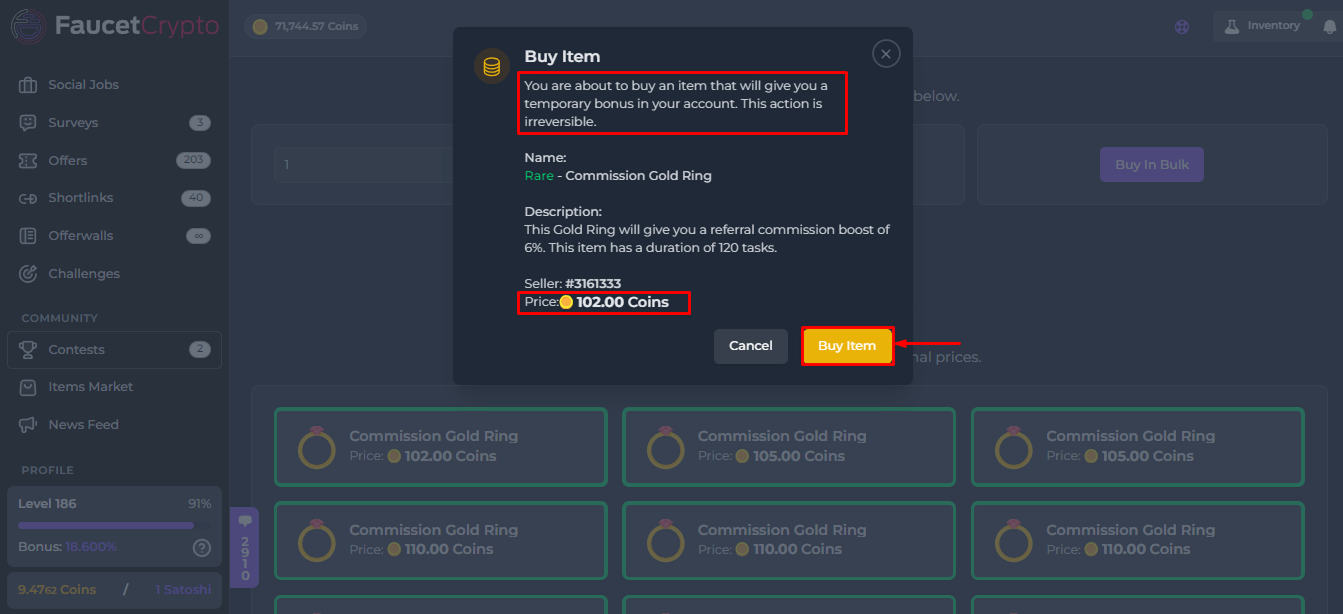
- If you select a single order, a small window with more information will pop up (as shown in the image below). Read the information carefully and click on “Buy Item” to buy it
Tip: The higher the rarity of an Item, the greater its effect