

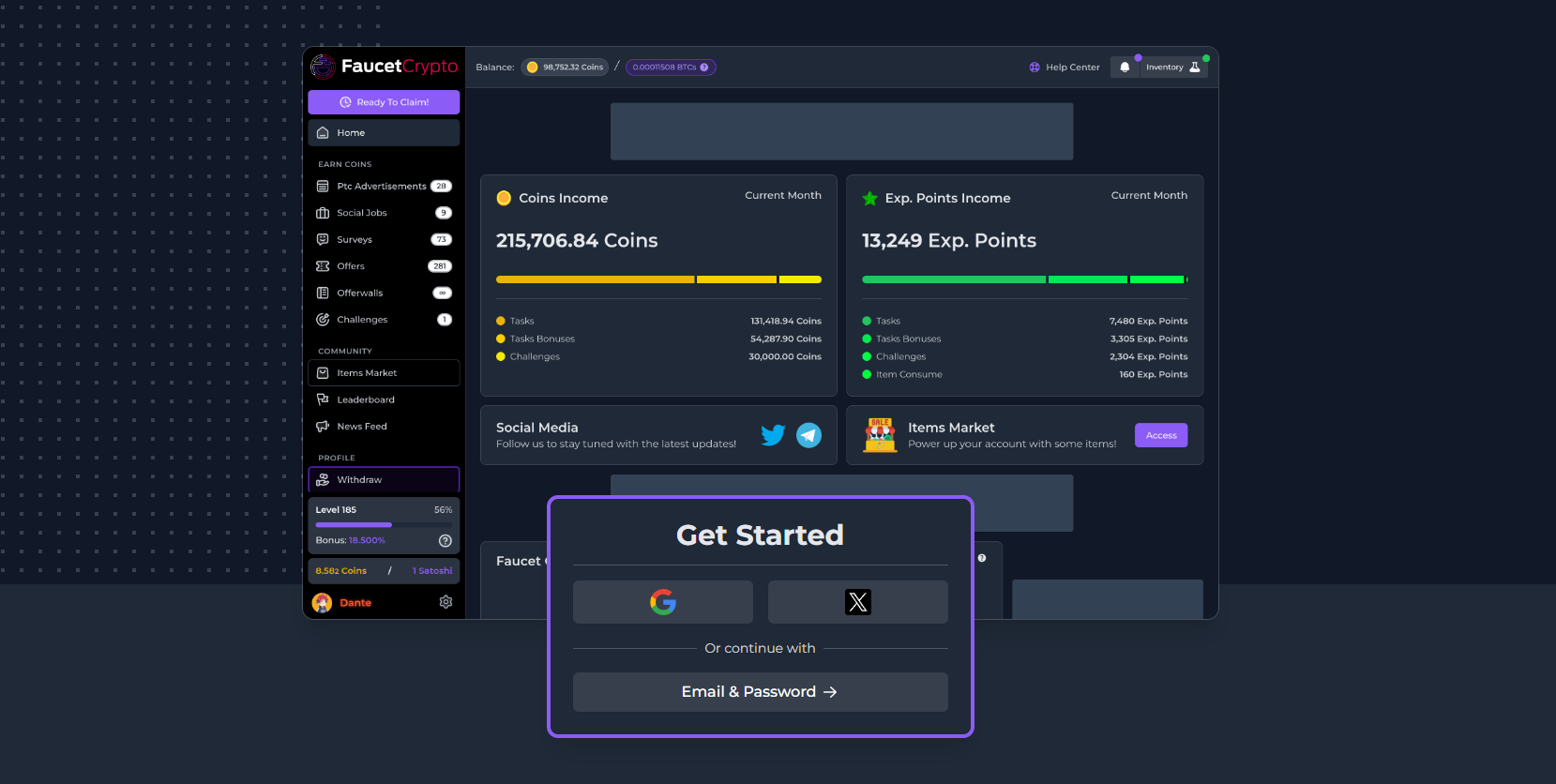
- Go to faucetcrypto.com
- At the “Get Started” box, continue with either your Google account or X (formerly Twitter) account; or select “Email & Password” if you want to proceed with creating an account manually.
- Fill in your Name, Email, Password and re-enter your chosen password
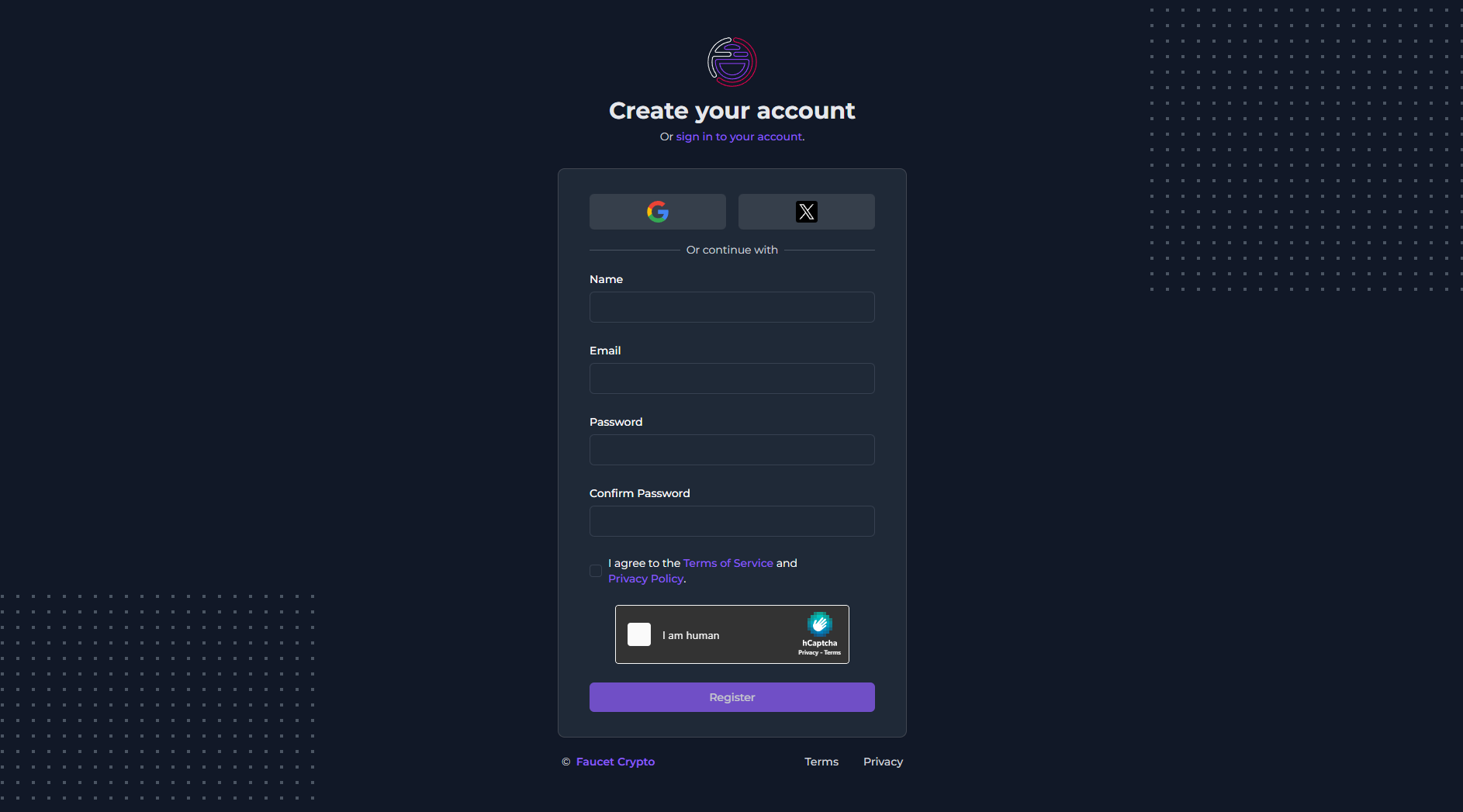
- Read the Terms of Service & Privacy Policy, and agree to it by ticking the specified box.
- Then click on the Register button to complete the process.
Tips: When signing up, never use a password you have already used to signup on other sites. Always practice the use of randomly generated passwords