> ## Documentation Index
> Fetch the complete documentation index at: https://faucetcrypto.mintlify.site/llms.txt
> Use this file to discover all available pages before exploring further.
# Where can I find my Items and how can I activate them?
All your collected Items are stored in your Inventory and can be accessed or activated at any time. To find your collected Items, follow the steps below:
1. **Login** to your **Account**
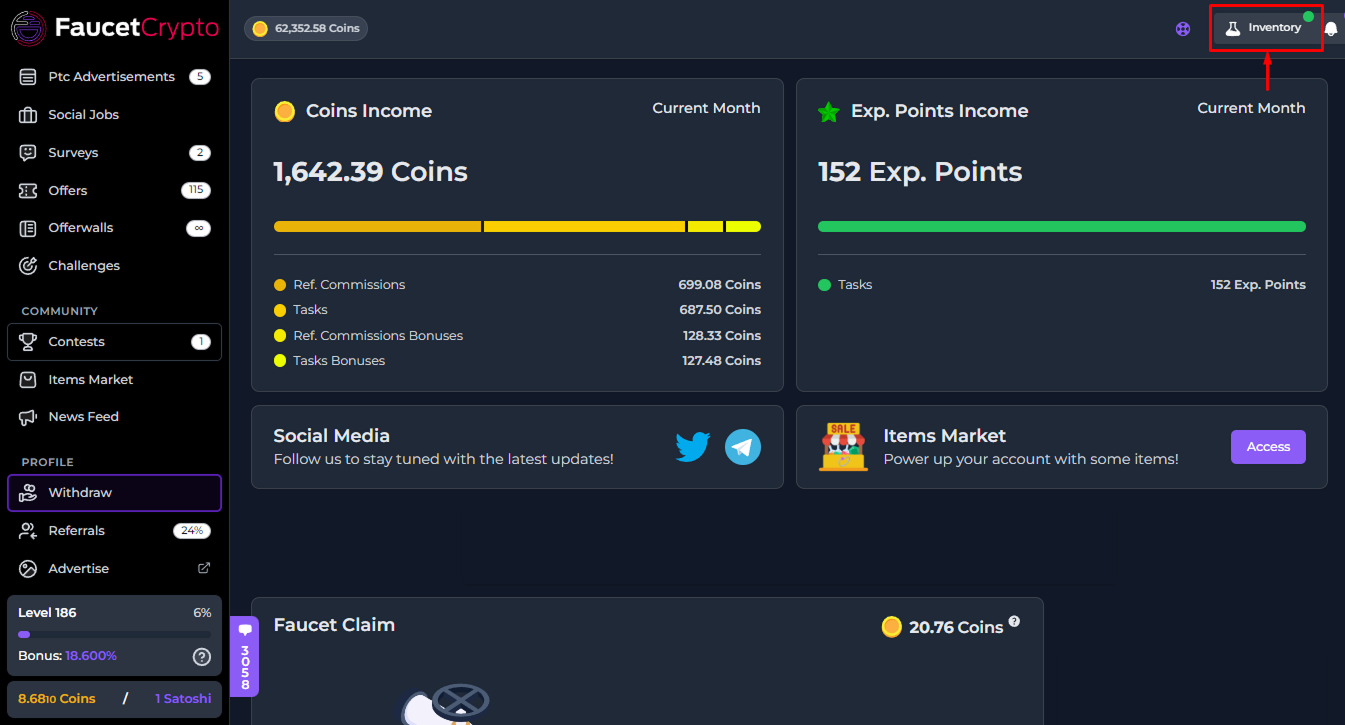
2. Click on "***Inventory***" at the top right corner of the top navigation bar
3. All your Items will be displayed in a window/modal like the one shown in the image below (you can also filter them by *Type* & *Rarity*)
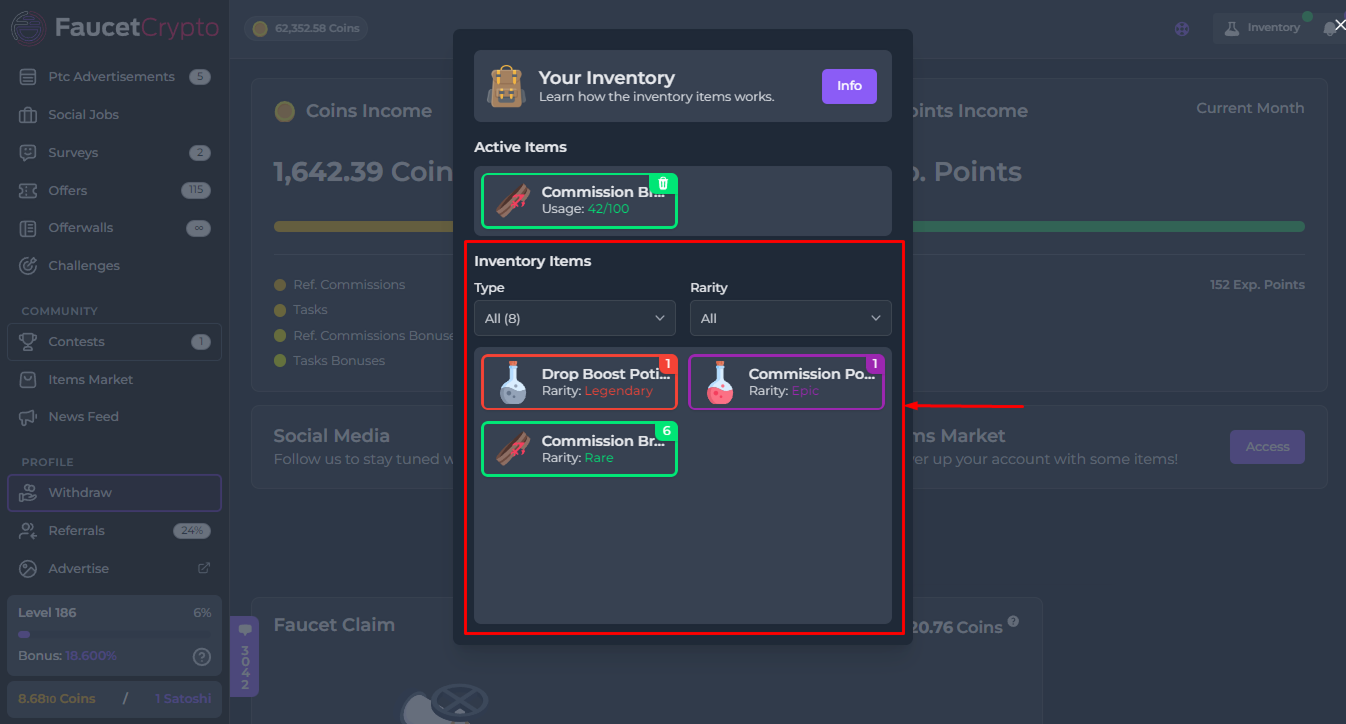
4. **To activate/use an Item**, simply click on it in your Inventory, and then click the "***Consume***" button.
**Tip:** *Click on an Item in your Inventory to read it's description in other to know what it can be used for and/or activate it*
This documentation is built and hosted on [Mintlify](https://mintlify.com), a developer documentation platform.